1. Learning Pathways
2. Training Courses
3. All Learning
There are a number of ways that you can navigate to training on your homepage:
1. Learning Pathways
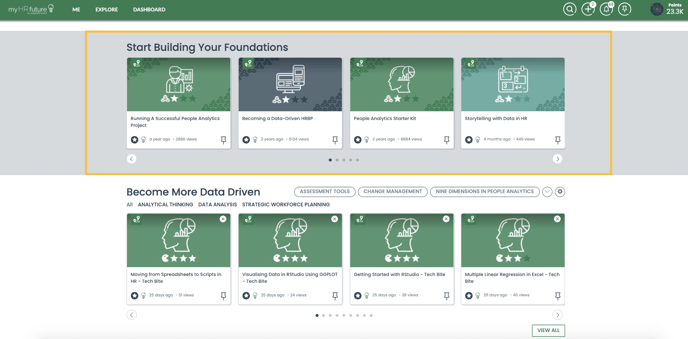
A learning pathway is a curated learning path that brings together multiple types of learning content together into one structured pathway to help you build a solid foundation in the core skills you're looking to develop before deepening your knowledge and moving on to consume more intermediate and advanced level content.
You will find all of our learning pathways in building your foundations section of the homepage. It's the first area after your steps to get started.
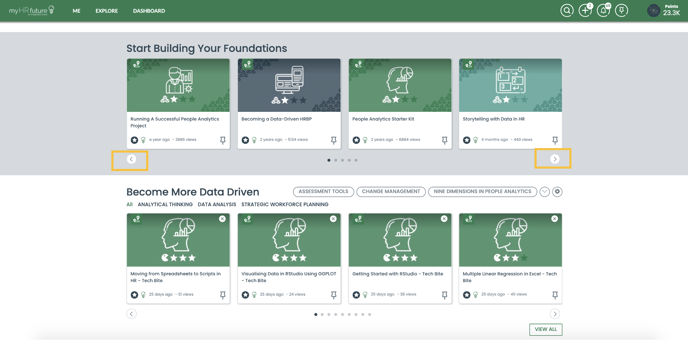
You can navigate all of the learning pathways using the navigational buttons:
2. Training
To navigate all of our skill booster training courses, simply scroll down on your homepage and you will see training grouped into three main categories:
- Data Driven
- Business Focused
- Experience Led
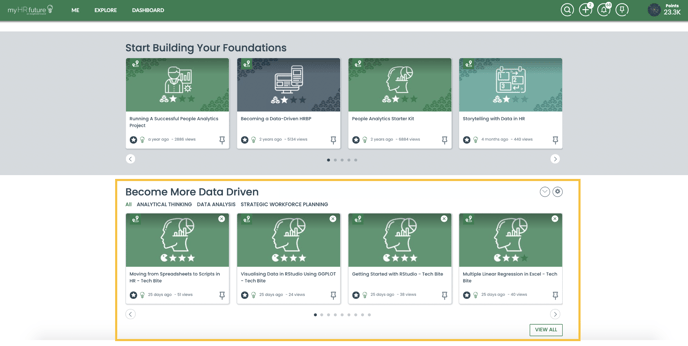
We believe these are three core capability areas that the future HR professionals needs to be successful, within these three groups we've identified nine skills core skills. All of our skill booster training courses and learning pathways focus on helping you build these nine skills.
Using the filter options shown here you can look for training within each of these groups, whether its becoming more data driven and building your data analysis skills you can filter content accordingly
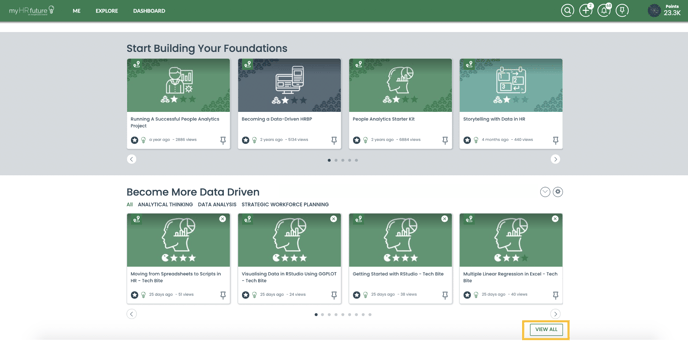
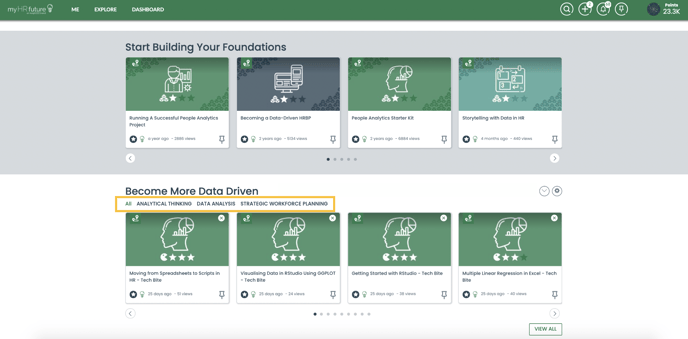 To view all of the skill booster training courses in this section simply click on view more and this will expand the section.
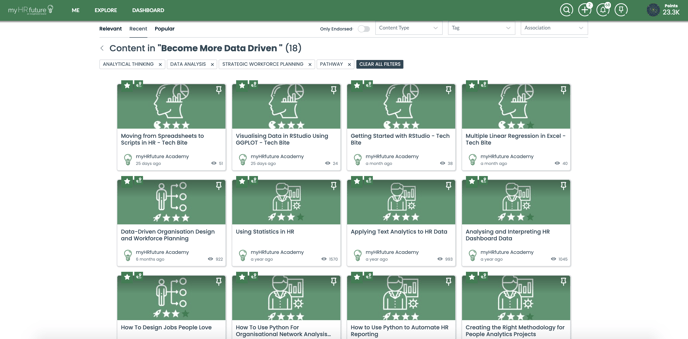
View All Training
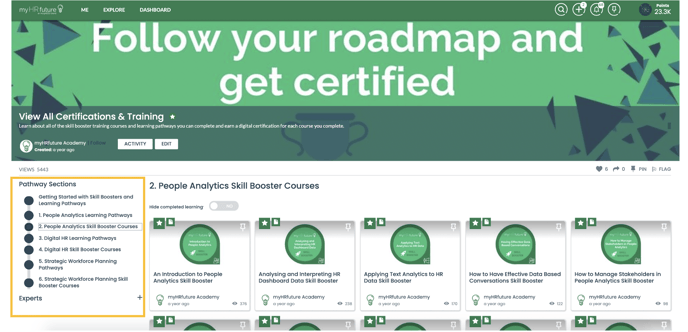
To view all Skill Booster Training Courses and Learning Pathways, simply navigate to the "All Training and Certifications Pathway on your homepage. This can be found in the "Steps to Get Started' section,
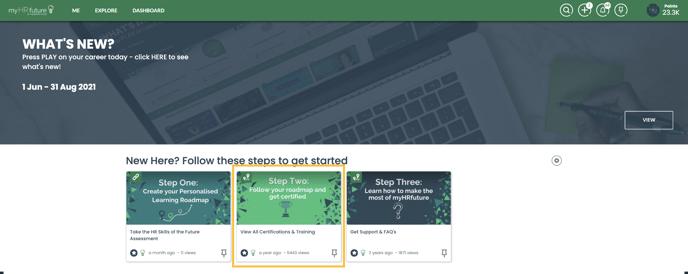
Here you will find an overview of all of the learning pathways and training courses we have available broken down by skill.