You'll be sent an email with instructions to claim your badge within 48-72 hours.
Once you've completed a course or pathway in myHRfuture, we will send you an email within 48-72 hours with instructions on how you can claim your badge and certificate.
You will receive an email notifying you of your new badge. Click on Accept Your Badge (1)

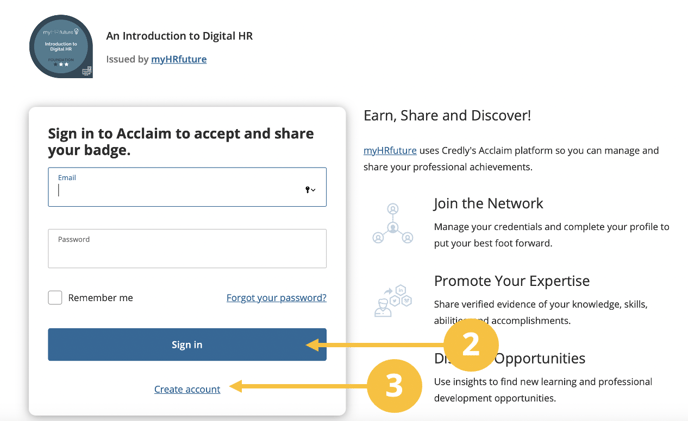
This will take you to the Acclaim webpage where you will be asked to Login.
If you already have an account input your credentials and select the Sign In Button (2)
If you do not have an account click on Create an Account (3) and register to receive your badge
Once you’ve logged in you’ll be taken to the badge overview page. This gives you a bit more information about your badge. Click on Accept Badge (4)

You’ll be asked to choose your settings. This will determine whether you badge is publicly available or whether you’d prefer to keep it hidden. Once you’ve selected your settings click on Save Settings (5)

Finally you’ll be asked if you’d like to share your newly awarded badge with your wider network on LinkedIn. If you would like to share your badge and celebrate your achievement simply choose to connect.
Click on Connect (6) account.

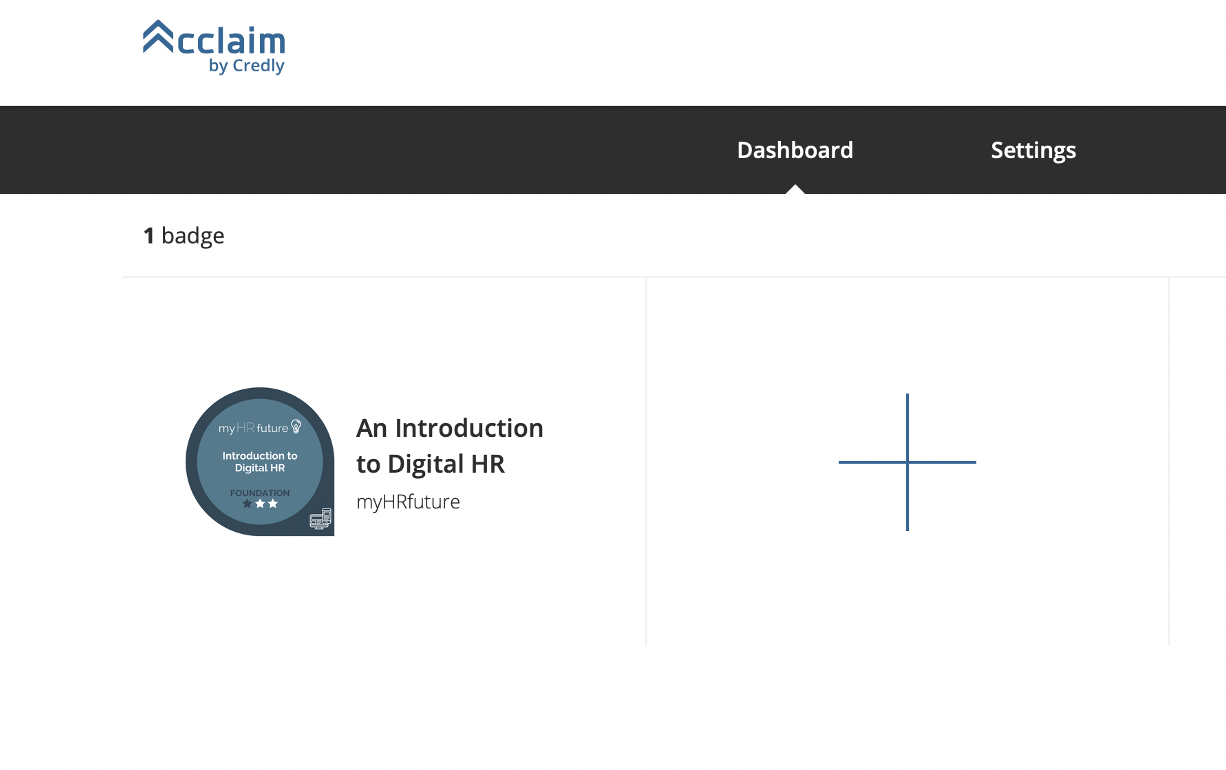
Once you’ve accepted your badge you will be able to view it, along with future badges in your dashboard.