
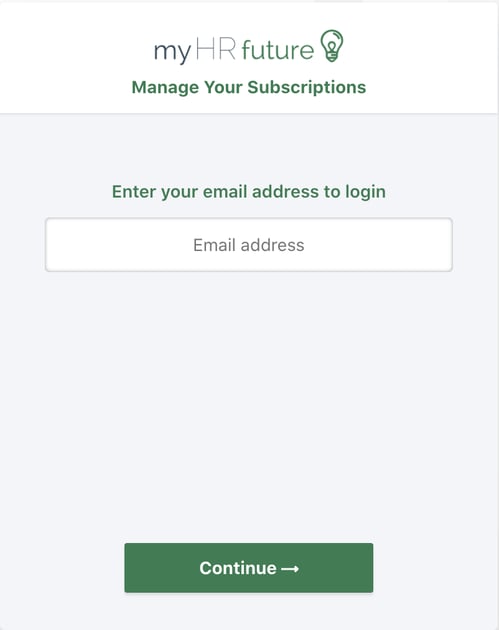
Login to the manage subscription portal, you can do that by clicking here
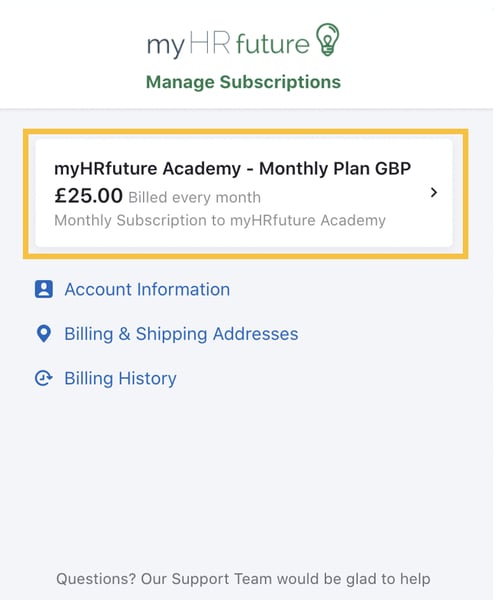
Once you've logged in you'll be able to see your current subscription. To amend your subscription click on your subscription as highlighted in the image below.
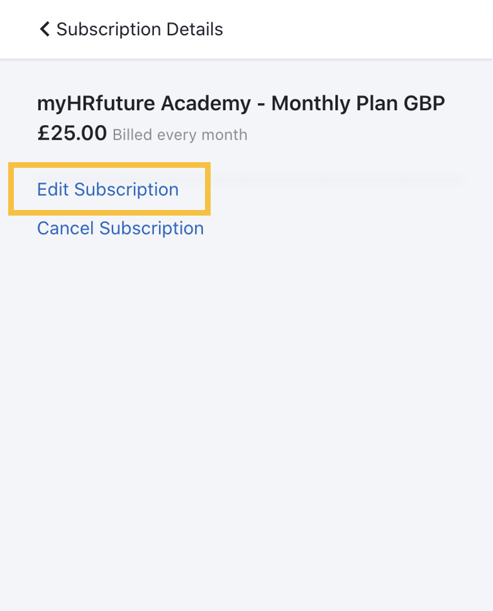
To edit your subscription click on Edit Subscription
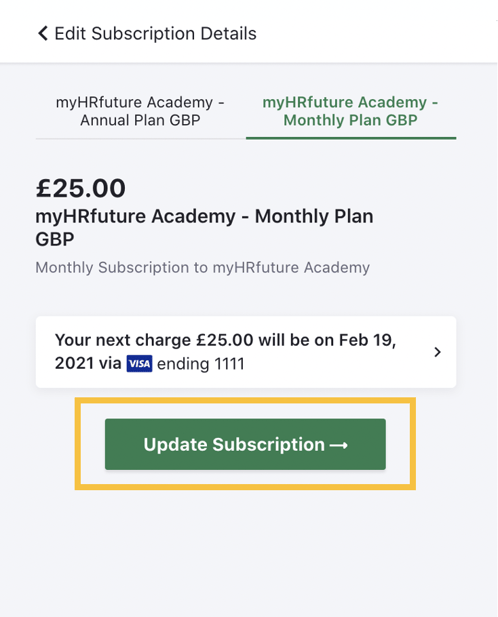
This will allow you to select between plan options. You can choose to pay annually on the annual plan or monthly on the monthly plan. To learn more about the pricing and plan options visit our website
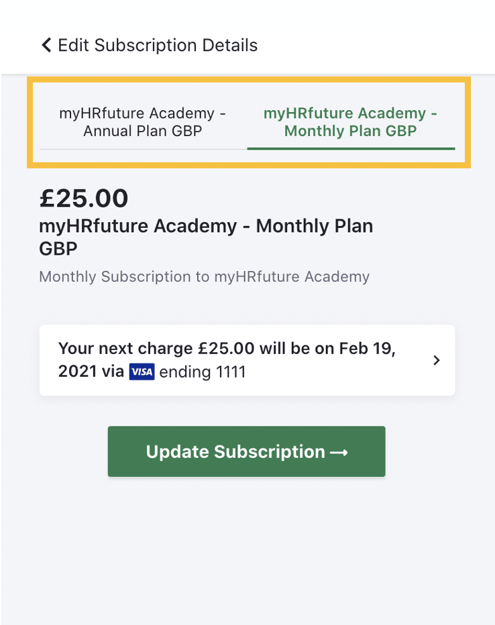
Once you've chosen the plan that best suits your needs, simply click 'Update Subscription'
All changes made will be reflective on your account within 24 hours.