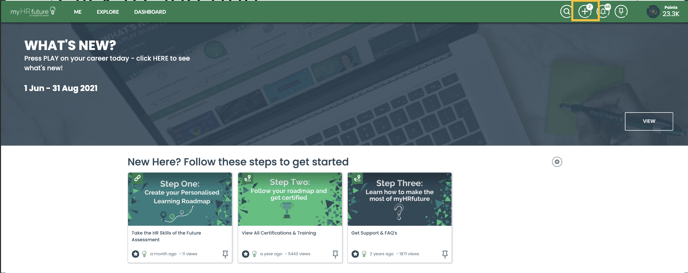
To ask a question in myHRfuture click on the " + " icon in the top righthand corner of the navigation bar.
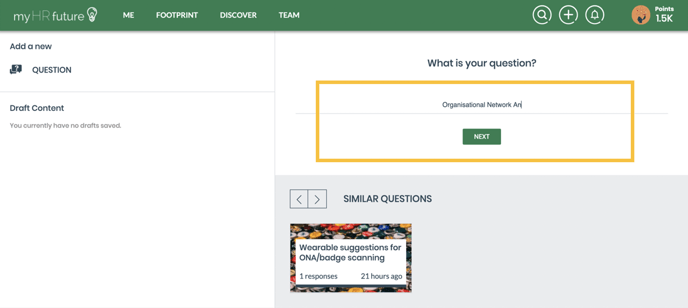
Start typing your question in the text box.
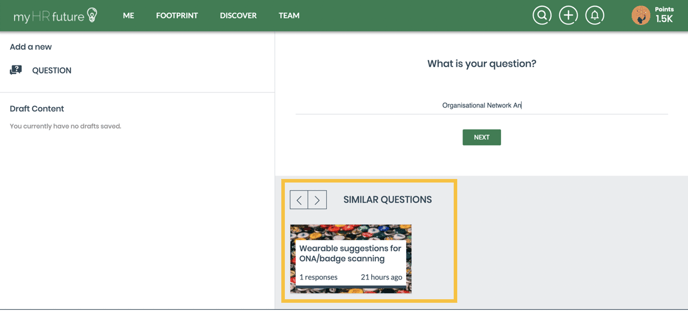
 As you are typing similarly asked questions will be recommended. Should you wish to view a previously asked question, simply click on the question.
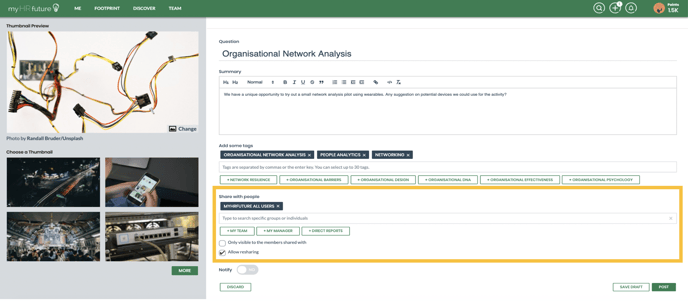
 Once you've typed in the title of your question select next. You will be required to provide a summary, this is an opportunity to share more information related to your question with the wider community.
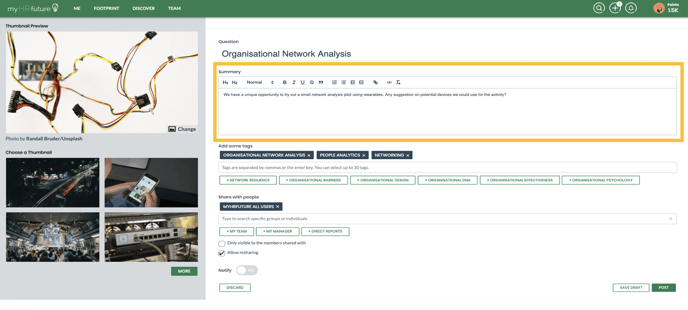 The platform will suggest some tags related to the title of your question, by applying tags to your question will allow the platform to determine who might be best placed with the necessary skills to answer your question
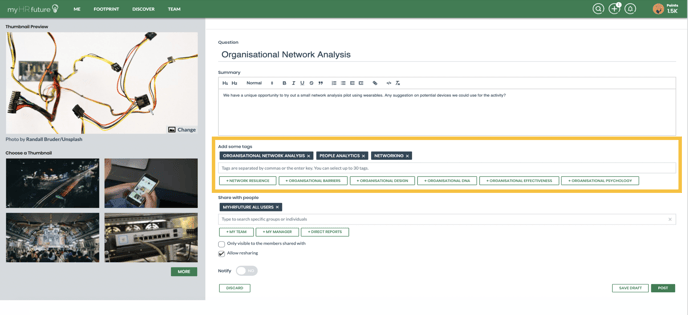 Finally choose who you'd like to share your question with. The groups you belong to will appear as soon as you click in the text box. If you'd like to keep your question private to those you're sharing it with, simply click "Only visible to those shared with"