
How to Cancel your Subscription
To cancel your subscription log in to the subscription management portal, you can do that by clicking here
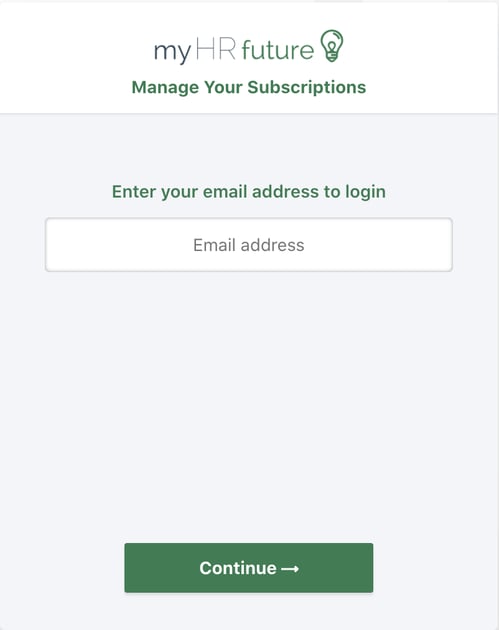
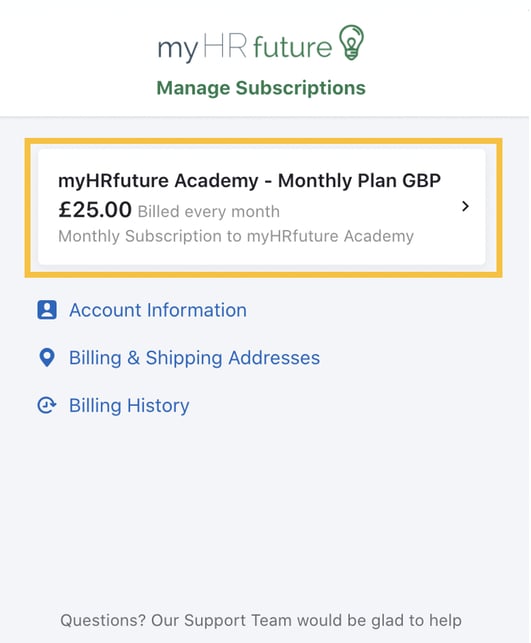
Once you've logged in you'll be able to see your current subscription.
To cancel your subscription, click on your active subscription as highlighted in the image below.
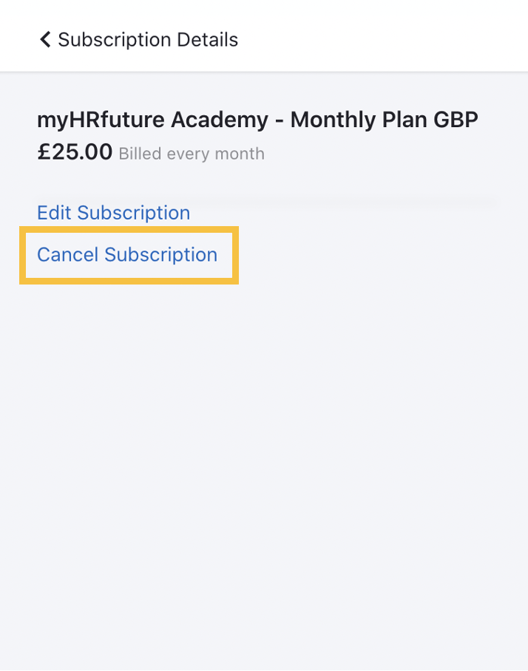
Click on 'Cancel Subscription'
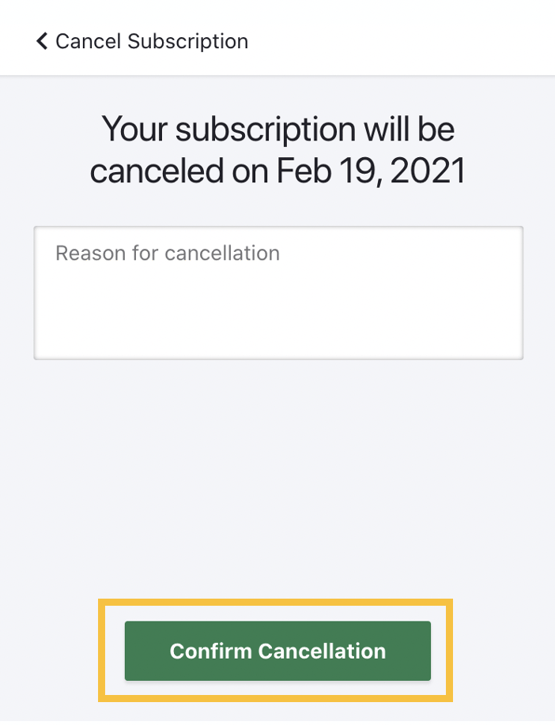
Provide a reason for cancellation. We're always interested to learn more about how we might be able to improve the service we offer so any additional information you might provide on your experience is very welcomed.
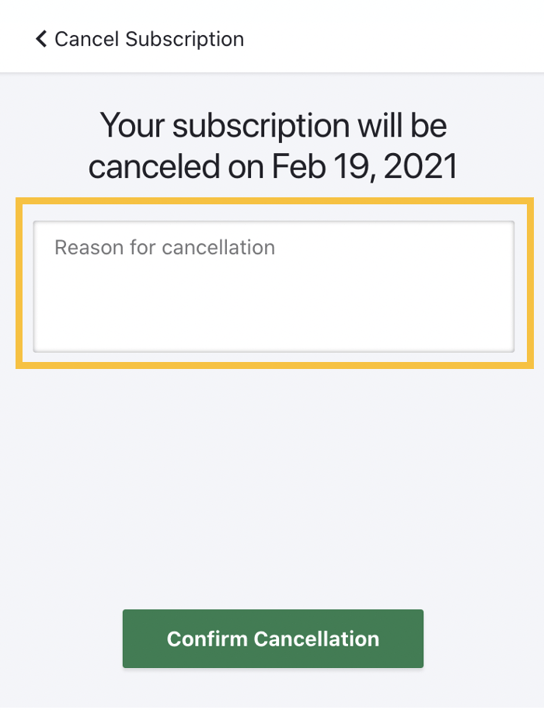
Once you've provided your reason for cancellation click 'Confirm Cancellation' and your subscription will be terminated at your next billing date.
Your account will remain active until the cancellation date, so you can continue using the platform for the remainder of your subscription term.