
myHRfuture is a great place to start when you're stuck trying to solve a problem or simply just looking to learn more on a topic.
To search myHRfuture simply click on the magnifying glass in the top righthand corner of
your homepage
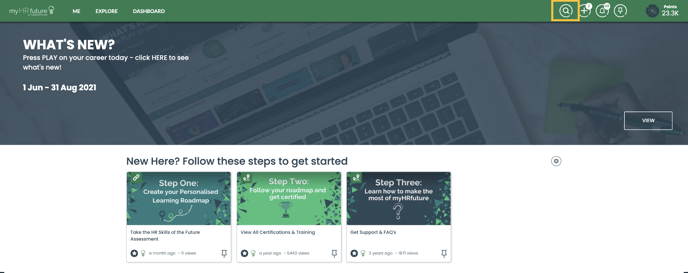
This will expand a search bar that you can then type your search query into.
You will notice as you're searching myHRfuture will recommend content ideas based on what you're searching for - this is because we use predictive search.
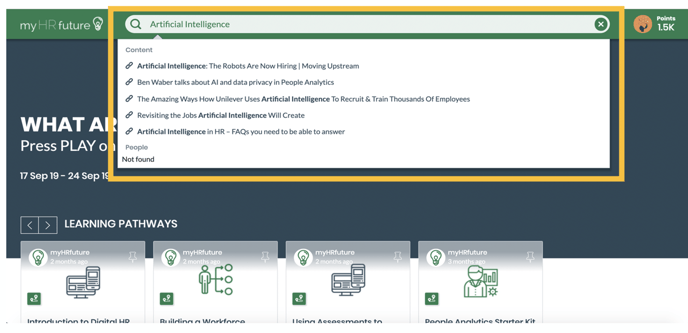
If what you're looking is not listed in the predictive options simply press enter once you've finished typing your search term.
This will take you to the search page where your search results will be listed out.
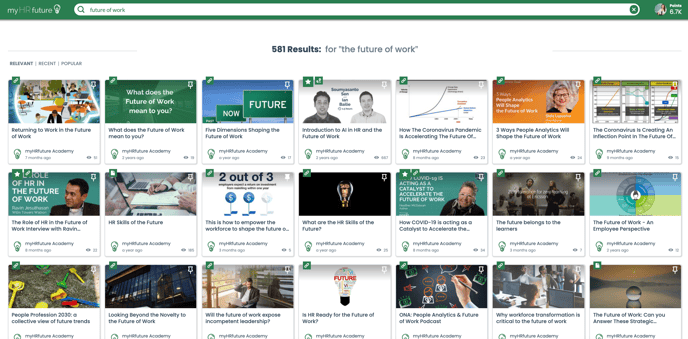
You can filter search results in three ways:
1. RELEVANT: This will display search results based on relevancy. So, how relevant is the content to the search term provided
2. RECENT: This will display search results based on recency. So, when was the content added to myHRfuture. The newest content will be displayed first.
3. POPULAR: This displays the most popular content related to your search terms. So, this will display content that relates to your search term but is popular amongst your peers and others on the platform.