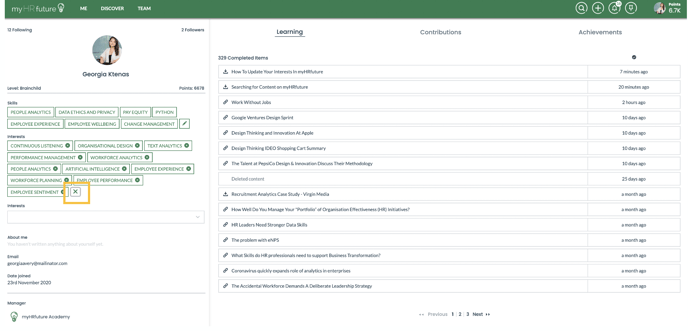
Your interests power the personalised learning recommendations in myHRfuture. Once we know what you care about and what you're interested in learning we can then get right to serving you learning recommendations based on your interests.
You will have set your interests when you first logged into the platform, but to amend and update them start my navigating to the ME tab at the top of your homepage.
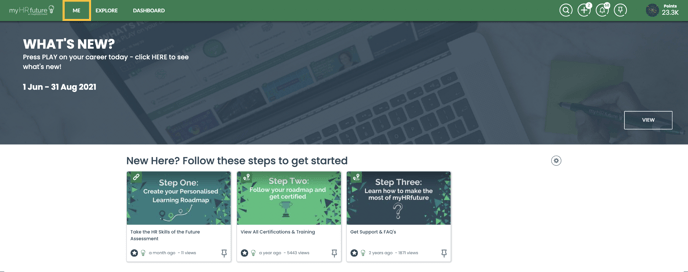
This will take you to your profile page. Here you will see two sections:
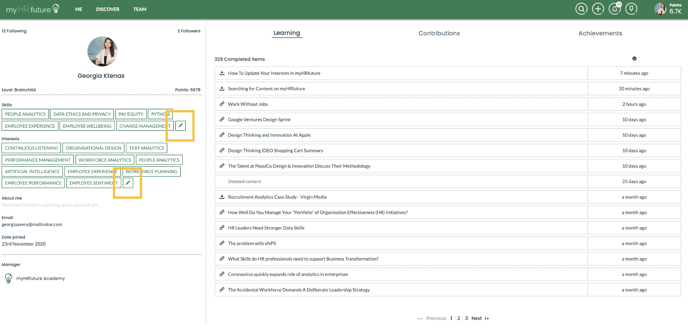
- Skills - These are skills you posses and by updating these you're allowing others to know the areas you're skilled in
- Interests - As mentioned above these are areas you're looking to build and are interested in learning more about
To update either simply click on the pencil icon
This will then allow you to begin editing the skills:
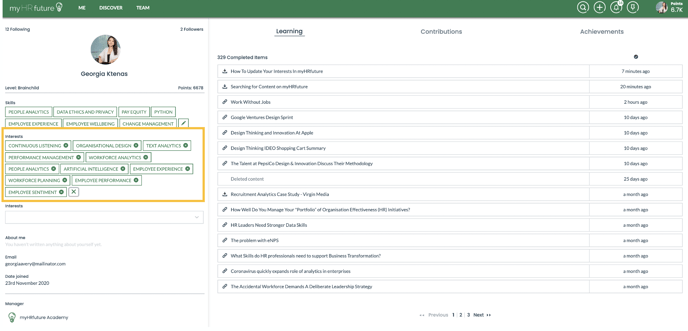
To add a skill simply begin typing the skill you're looking to add to your interests in the search box - this will then suggest all of the available skills that match your search term.
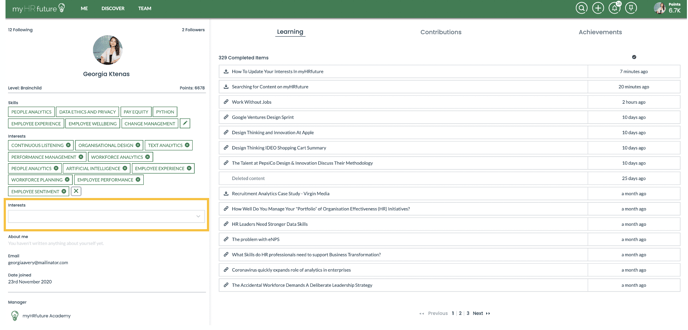
To remove a skill simply click on the little " x " icon next to the skill you wish to remove. Once you've finished adding or removing the necessary skills simply click on the " X " in the corner and all changes will be immediately reflected on your homepage.